Document roots
The Document Root is the physical folder on the server, whose content is displayed when visitors access your website (or a subdomain). То change the document root of a subdomain:
- Go to the Subdomains section.
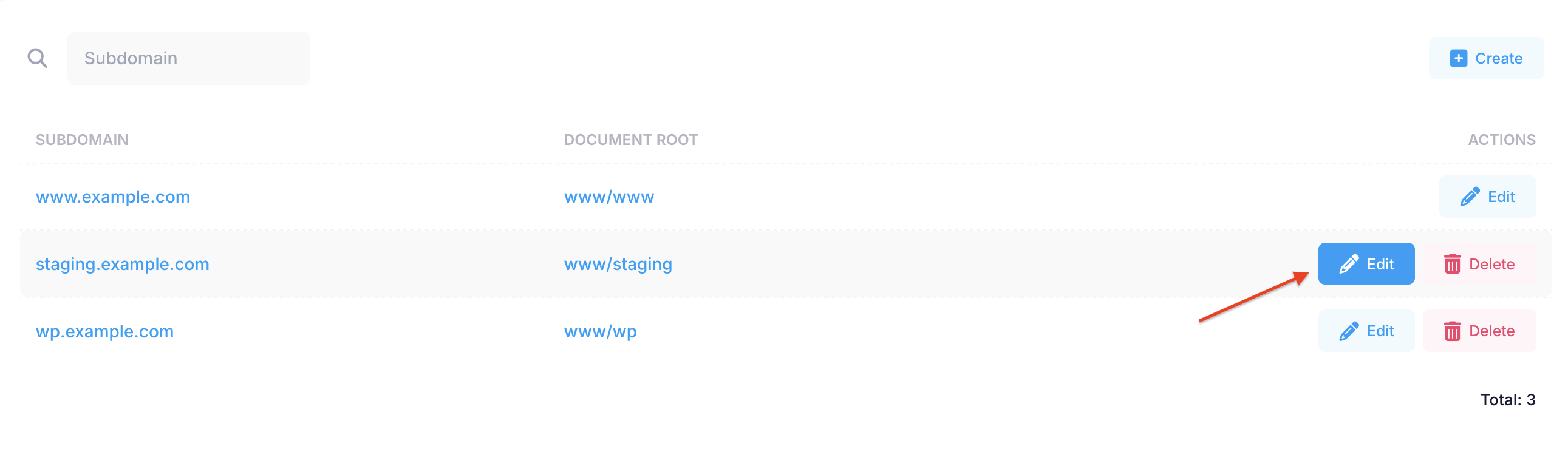
- Click on Edit next to the subdomain whose document root you wish to change.
- Enter the path to the new document root, or use the Folder button to navigate to the desired folder on the server.

- Click on the Submit button. The change will take effect in a couple of minutes.
Notes:
- Scripts located in your "cgi-bin" folder will always be accessible regardless of the current Document Root.
- The Document Root cannot be set to a higher-level folder; it can only be changed to a subfolder of the default Document Root.