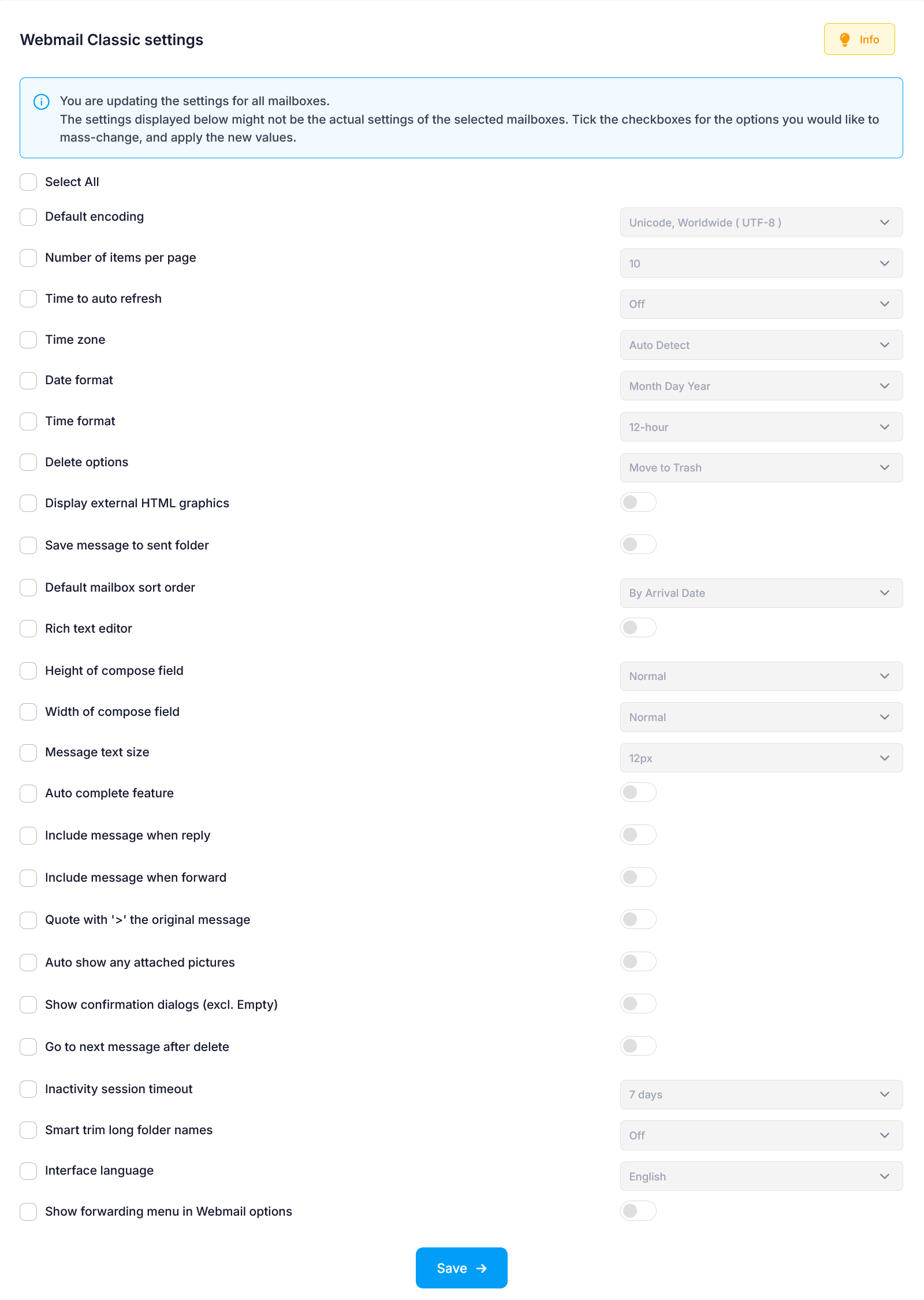
Updating the webmail settings for multiple mailboxes
To manage the Webmail Classic settings for multiple mailboxes at once:
- Go to the Mail Manager section.
- Go to the Global mail settings tab.
- Click on Webmail Classic settings sub-tab.
To change a setting, first mark the checkbox next to it - this unlocks the field for editing. You can modify several settings in one go. After entering your desired values, click the Save button to apply the changes.
For more details about each option, refer to the Help section in the Webmail Classic interface.