Catch-all mailbox
To set a catch-all mailbox for your account:
- Go to the Mail Manager section.
- Go to the Catch-all tab.
- Select the Domain and Catch-all mailbox.
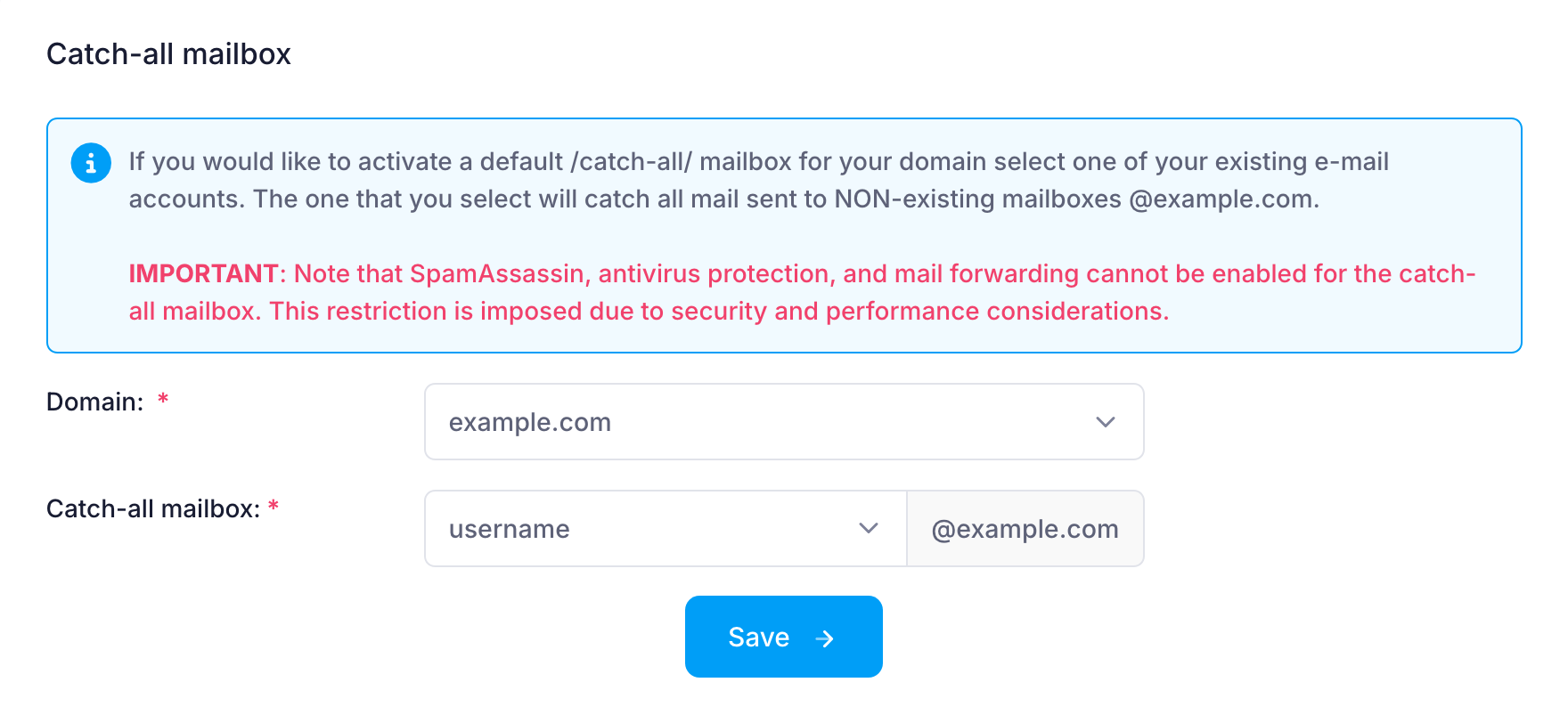
The catch-all mailbox will only collect messages sent to non-existent addresses under your domain.
Email forwarding, SpamAssassin, and antivirus protection cannot be enabled for the catch-all mailbox. This is a performance-related restriction.
All prices are in USD. No setup fees. Minimum contract period for shared hosting services - 12 months. Full prepayment for the contract period. 100-day money-back guarantee. No automatic renewal. Fees for domain registrations and SSL certificates cannot be refunded in case of an early contract termination.
ICDSoft 2001-2026 © All rights reserved
Terms of Use
|
Legal notice
|
Privacy
|
Reseller terms
|
Cookies